A Must-Have Frontend Developer Tool
Social Share:
Thursday, February 2, 2017 at 9:00 PM | 1 min read
Last modified on Sunday, June 21, 2026 at 3:24 AM
#browser tools, #chrome extensions, #frontend development, #screen capture, #screenshots
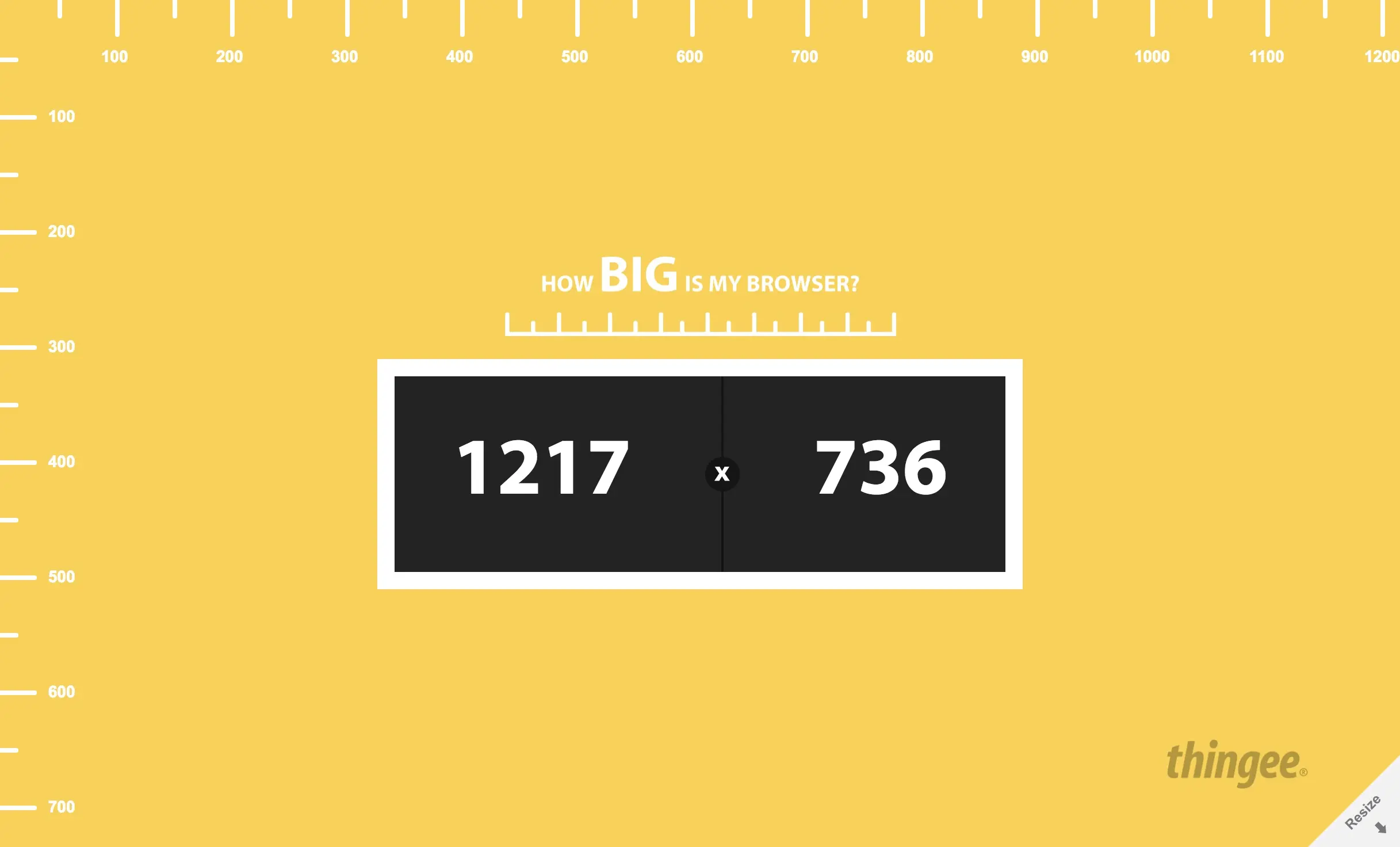
How Big Is My Browser tool displaying the width and height of the active browser window
Table of Contents
- Discovering How Big is My Browser after frustration with screen capture tools
- Conclusion
- Related Resources
This post was originally written in 2017, but it remains relevant today (June 20, 2026). I still use this tool!
Discovering How Big is My Browser after frustration with screen capture tools
Today I was adding a new project image to my front end developer portfolio, and I had the damnedest time trying to match its size to all the others, which I had created with the FireShot Screen Capture Chrome extension at another time. The trick to making all your screen captures the same size is in the size of the browser window. But how was I going to figure that out? I was getting sick and tired of redoing screen captures. They weren't all taken at the same time, so the sizes kept coming out different. I've learned the hard way that images in the same element need to match in size, or the layout falls apart.
I took it upon myself to find a tool that would provide me with browser window size. I came up with just the right one in my Google search: How Big Is My Browser?
Conclusion
"How Big is My Browser" does exactly what it says. It tells you how big your browser window is. What’s even better is that you can resize it if the size changes on you! No more guessing games. No more re-dos. No more time wasting. Check it out!