Guess the Keys App
Sunday, May 17, 2026 at 3:04 PM | 3 min read
Last modified on Tuesday, August 11, 2026 at 6:47 PM
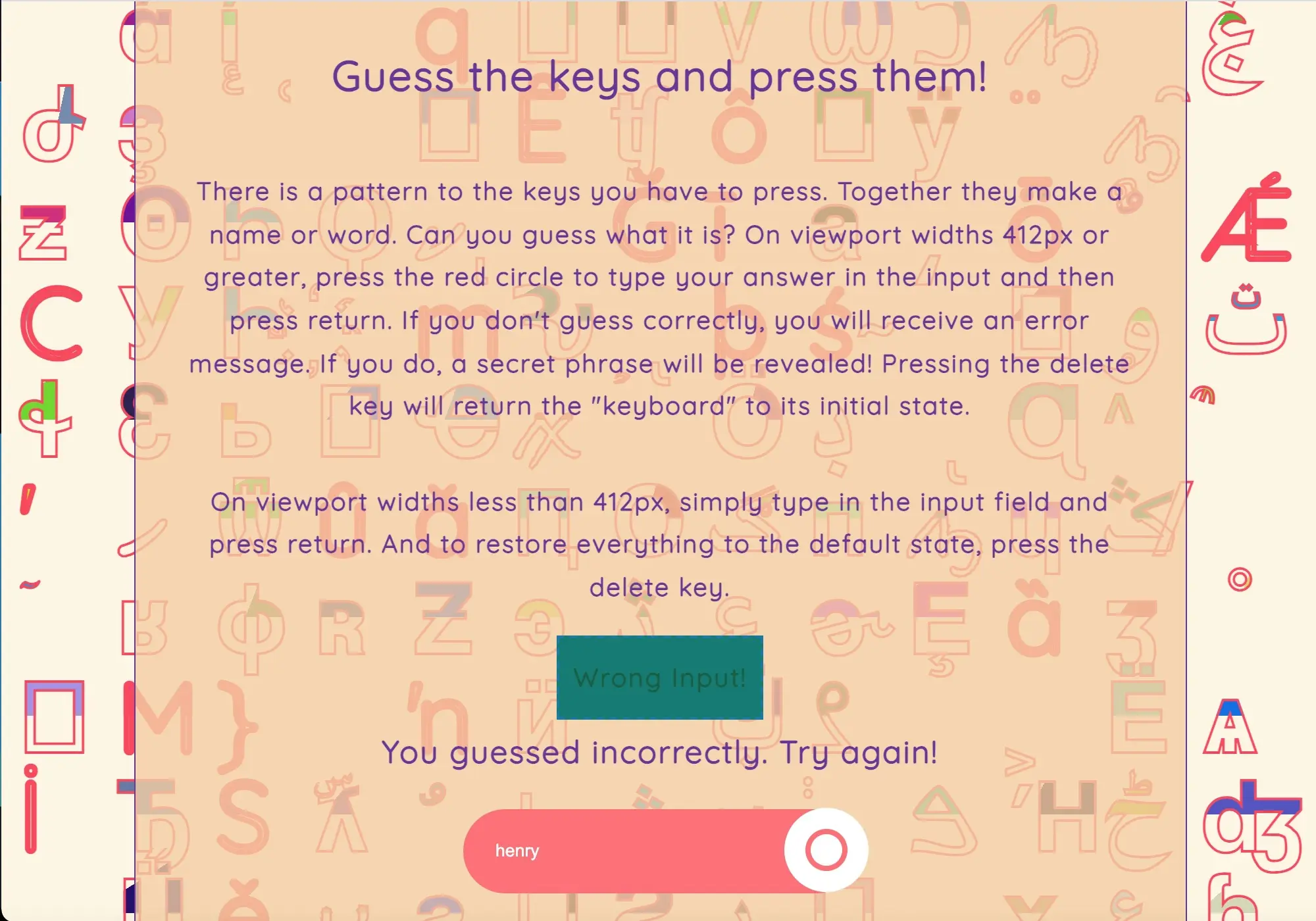
A wrong guess ('henry') triggers the 'Wrong input' message, set against the app's glyph background, which changes color and glyphs on each reload
A while back, I created a little game with vanilla JavaScript revolving around the keypress event that might end up being reused one day in a bigger project. There was a lot more going on under the hood than met the eye, and I learned a new thing or two in the process. So I thought it was time to write another post!
The game's code lives across index.mjs and eight small modules in a modules folder, some of which handle CSS in JS and the rest of which handle the keypress and input validation. There are two parts to the game.
The first part is to guess the keys you should press in order that a phrase from a song appears in a colored box with a dashed border above the text "Answer". This can be achieved two ways. You can either press keys over the text document (browser window) to make the colored box with phrases from songs appear, or you can type directly into the input field.
The second part consists of rendering "Your input is correct!" above the text "Answer", and replacing "Answer" with "You guessed correctly. It is ...!" There are only a certain number of song phrases, and each corresponds to a certain keypress. Those keypresses are equivalent to a string that makes up a name or word. If you correctly type that sequence into the input field and press return, you will receive a message letting you know that you guessed correctly followed by the answer. In addition, after you press "return", the input field is disabled, and you can no longer type into it. You can keep on typing into the input with incorrect characters after inputting the correct string, but nothing happens. When you think you have the right answer, make sure to press the "return" key.
If you type the correct keypresses or sequence of keypresses to the document, you will render the song phrases to the page. However, when you press the "return" key, you will receive the error message "Wrong input. Try again!" in the colored box, and "Answer" will be replaced with the error message "You guessed incorrectly. Try again!".
How I achieved this game via JavaScript code can be broken down into five important highlights.
-
Adding an input.value condition not equal to the "Answer".
-
Adding an else statement/condition not equal to the "Answer".
-
Adding an input.value condition not equal to the "Answer" to the input change event.
-
Adding input.disabled equal to true to the else statement for input.value condition equal to "Answer" in the input change event.
-
Adding page refresh code to the "click event" for the button.
At first I didn't add an input value condition to the keypress listener. I had all these conditions for the keypresses and then an else statement which simply returned the error message "Wrong input. Try again!", but no condition against the correct answer which is supposed to be typed into the input. I added another else if condition after the first if and subsequent else if conditions for the individual keypresses associated with the songs that checked against an incorrect input value. This would result in the error message "Wrong input. Try again!" rendered to the colored box, and the error message "You guessed incorrectly. Try again!" that replaces the text "Answer". This else if statement is then followed by the final else statement which returns the confirmation messages "Your input is correct!" and `You guessed correctly. It is ...!"
I added a disabled.true property to the input if the "Answer" is correct and the user presses return after inputting it. This is so that no incorrect characters can be rendered to the colored box after the correct answer has been inputted and the return key has been pressed.
Lastly, I had to add a way to refresh the page so that disabled.true is erased and the user can type in the input field again.
Since first writing this post, I went back and updated the project. The build now runs on Vite instead of Webpack, which also replaced the manual SCSS setup that was there before. I added a test suite for the game logic using Vitest, with coverage tracked through Istanbul. The suite covers eight modules across 17 tests, and coverage currently sits at 100% across statements, branches, functions, and lines.
The background styling from this project turned out to be reusable elsewhere. I pulled the same background-related modules into this site, where they now power the animated backgrounds on the About, Resume, and Contact pages.
I didn't share code here on purpose because that would spoil the game for you! Please do check it out on Github, and give it a whirl! And let me know what you think!