Why You Should Use the NPKILL Node Module
Social Share:
Monday, July 11, 2022 at 6:40 PM | 2 min read
Last modified on Monday, July 20, 2026 at 10:00 PM
#macOS, #npkill, #npm, #npx, #storage

Photo by Andre Hunter on unsplash.com
Table of Contents
- How I came across NPKILL
- Why I chose to use NPKILL
- Installing NPKILL
- Using NPKILL
- Related Resources
- Footnotes
How I came across NPKILL
Recently I was introduced to the NPKILL node module on Twitter by T. Eric Cabrel. To view the tweet on X1, please click on the link below:
I’m always impressed by the disk space taken by the node_modules. I just saved 17GB of disk space using npkill. An awesome tool - @tericcabrel - 5:27 PM, May 9, 2022
Why I chose to use NPKILL
What a great idea and tool it is! I have so many projects on my laptop that use NPM. And do you know how much disk space they were taking up? 34GB. 34GB! That is a megaload of disk space!
Installing NPKILL
As long as you have Node.js and NPM installed, it is very easy to use. I decided to remove 10GB for starters. This is what I had to do:
First, I had to install the package. I did not actually install it permanently, because I did not want to install it globally, but just temporarily download it. That is because I was not attaching it to any specific project or folder. That meant using the npx command prefix.
What is npx? According to npx on GitHub,
This command allows you to run an arbitrary command from an npm package (either one installed locally, or fetched remotely), in a similar context as running it via npm run.
What this really means is that if you want to use the latest version of a package without installing it globally (which is permanent until you choose to delete it manually), you can use npx before the command you want to execute.
Using NPKILL
I ran the npx npkill -d development command in order to temporarily install NPKILL and use it in my development directory. The first time I ran the command, I was prompted as to whether I wanted to install it or not. I responded by pressing the y key for yes. After that, I was no longer prompted. That's because npx reuses the copy that was installed to a folder in the npm cache when it was first downloaded.
After NPKILL is installed, something like the following should appear in your Terminal window:
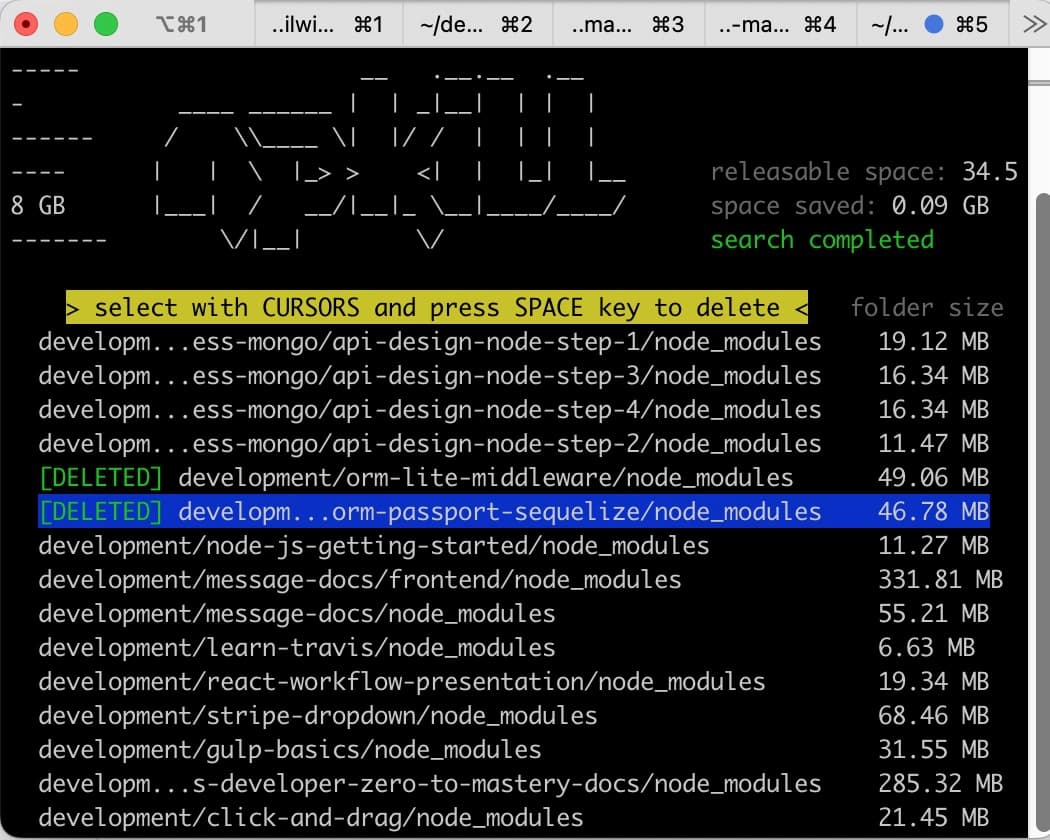
npkill output to Terminal screenshot 1
The "space saved" should initially show "0", because no space is "initially saved". As indicated in the screenshot, I already have deleted two instances of node_modules when I took this screenshot.
The process is very easy, and tells you what to do. The instructions are highlighted in yellow. The following is what my Terminal window instance looked like after I deleted 2.86GB worth of node_modules:
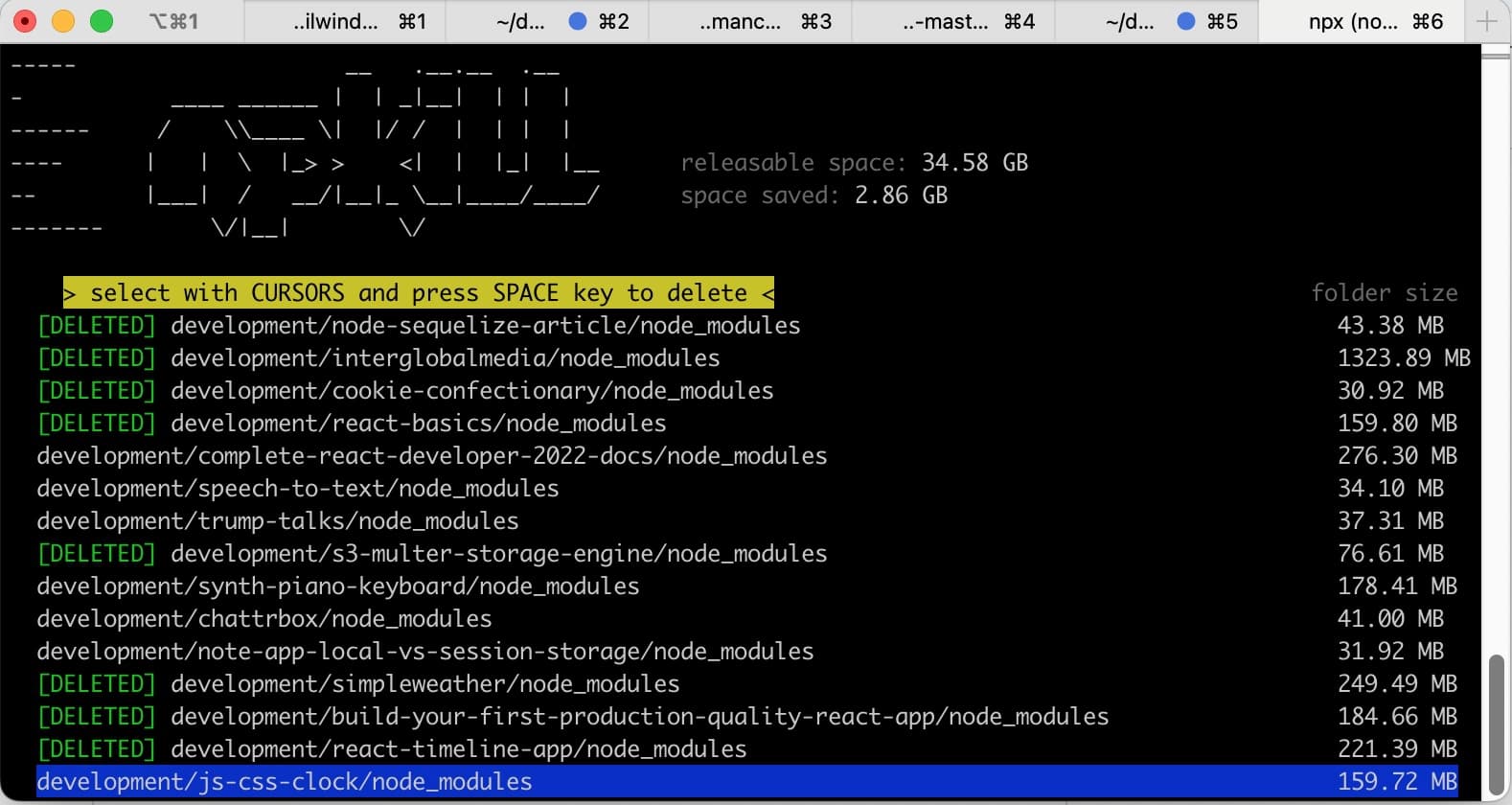
npkill output to Terminal screenshot 2
And that was it!
To learn more about the NPKILL node module, visit NPKILL on the NPM registry.
Related Resources
Footnotes
-
At the time this post was published, Twitter still existed, but now Twitter is known as X. ↩