Enabling content insertion inside the VIM editor on macOS when skipping the insert command
Social Share:
Thursday, July 4, 2024 at 12:29 PM | 1 min read
Last modified on Thursday, July 4, 2024 at 12:29 PM
#awk, #join, #command line, #macOS
I have been delving more into IT related topics lately, such as creating shell scripts. I also decided to include the built-in VIM text editor in the shell script creation process.
I first ran the following command in Terminal:
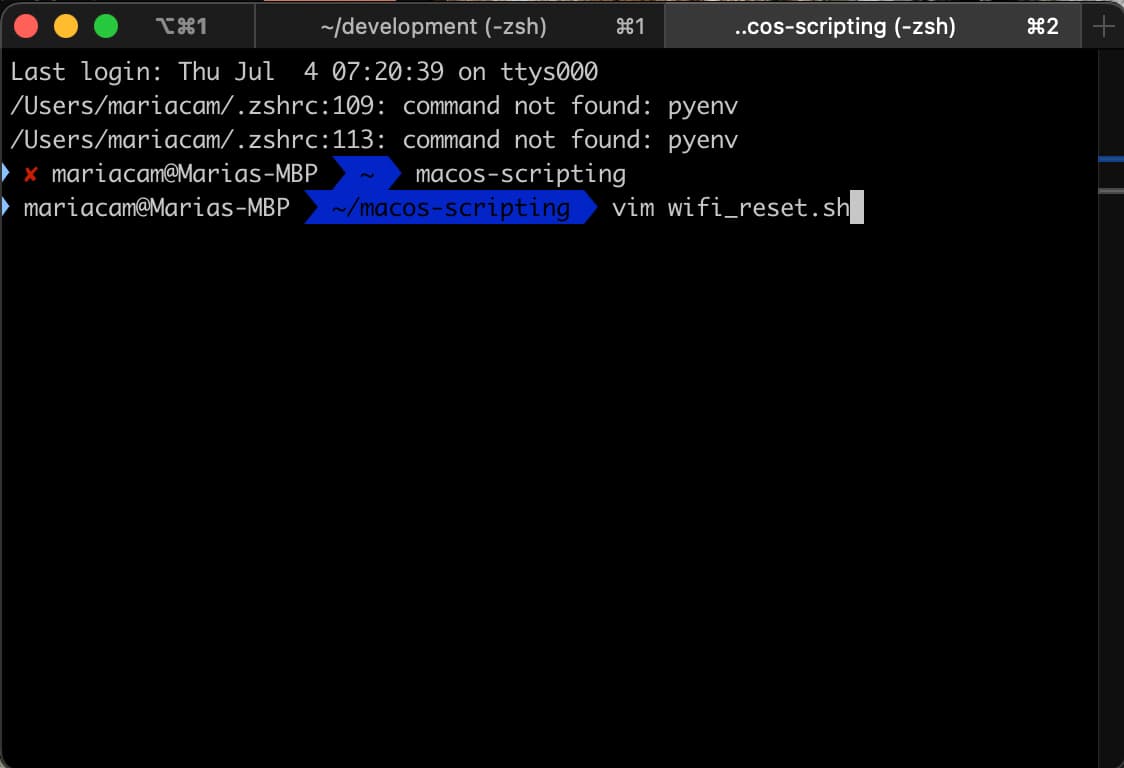
This opened a new shell script file in VIM. Then, by accident, I immediately started typing # in the wifi_reset.sh inside VIM, and the following occurred:
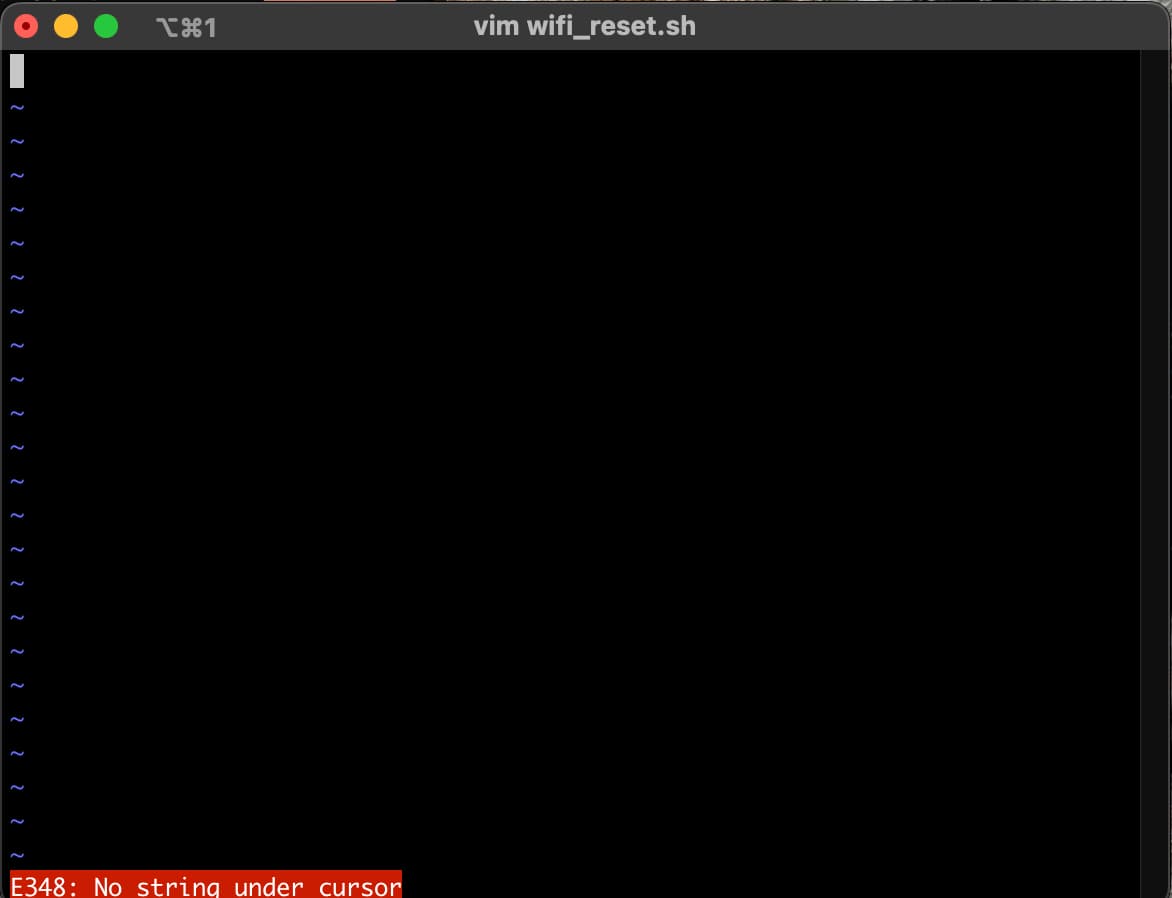
The reason for this error was that I didn't press the i key before starting to type in the wifi_reset.sh file inside VIM. In order to rectify this, I hit the esc key, then the shift key + : key followed by typing set prompt:
:set prompt
Then I hit the i key and was taken into insert mode:
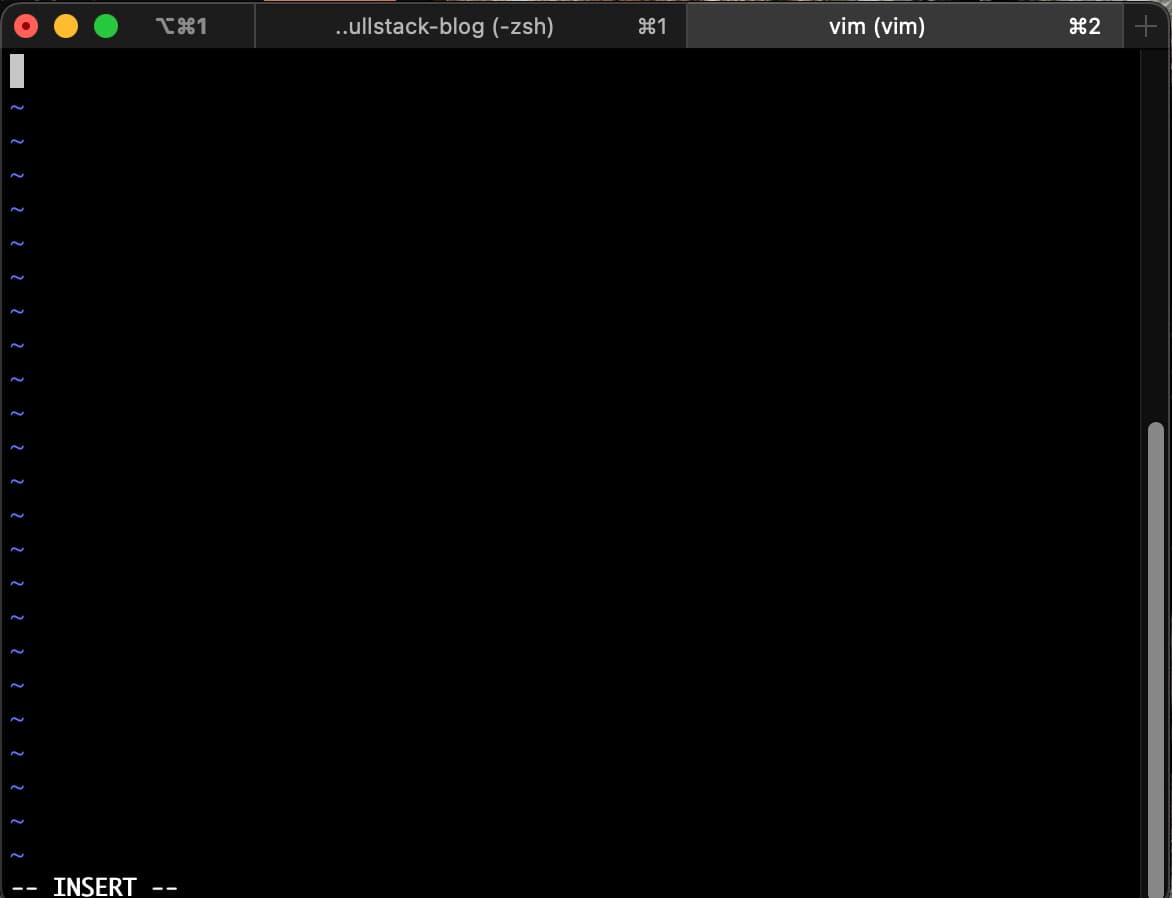
And that was it! Now I could start typing with no resultant errors.